
Mastering ChatGPT
Module 1 · Module 1 — Getting started with ChatGPT · Lesson 1 of 1
Getting started with ChatGPT
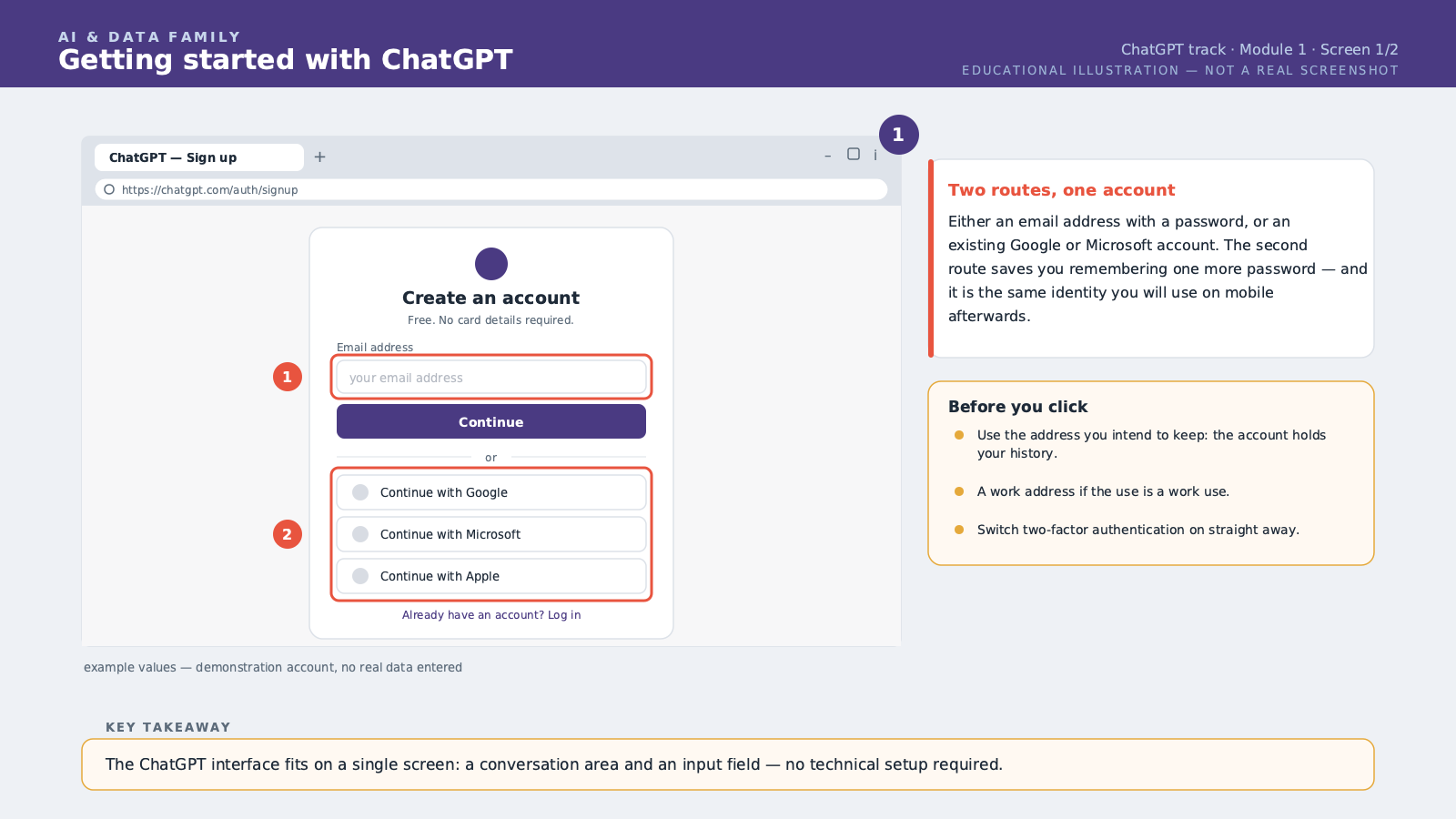
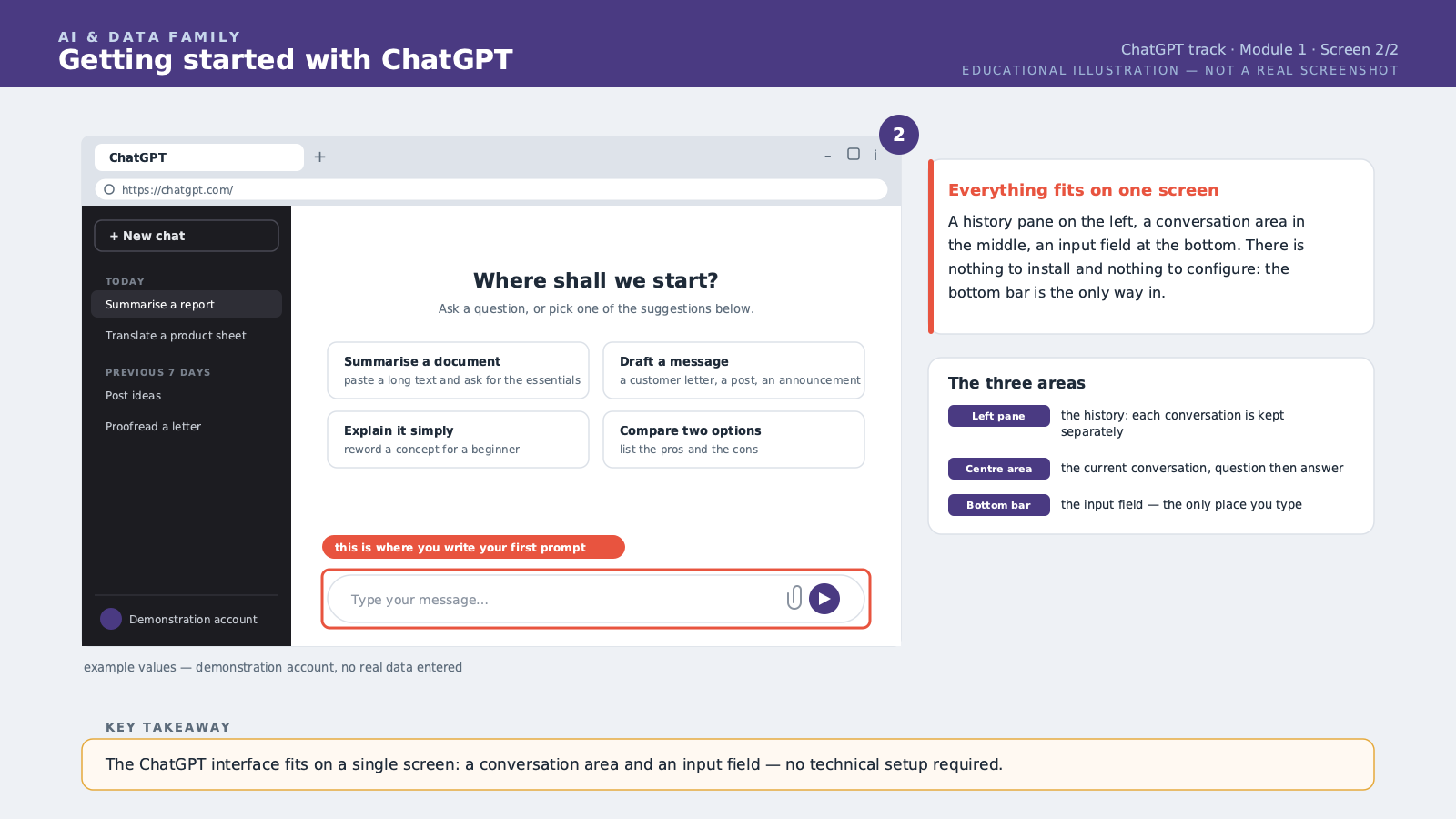
Welcome to this course, Mastering ChatGPT. In this first module, you will create your account, discover the conversation interface, and write your very first structured prompt. ChatGPT is an AI — Artificial Intelligence — assistant built by the company OpenAI. It works like an always-available colleague you chat with in writing, or even by voice. You type what you need, and it answers within seconds. Let's start with creating your account. Go to the official ChatGPT website in your usual web browser, or install the official mobile app on your phone. Sign-up only needs a valid email address, or a Google account if you already have one. A free tier exists and is more than enough for this course. Once signed up, you land on the main interface: a large empty conversation area, with a text box at the bottom to type your message. No complicated menu, no mandatory technical setup before you begin. Before writing your first message, there is one essential rule to understand: ChatGPT does not guess what you want, it responds to what you write. The more precise your request, the better the answer. This instruction is called a prompt, meaning an instruction given to the assistant. A good prompt usually contains three elements: the context, meaning your situation; the task, meaning exactly what you want to get; and the format, meaning how you want the answer presented. Let's take a concrete example. If you simply write "write a job ad," ChatGPT will guess and produce something very generic, often unusable as is. But if you write: "I run an online clothing shop based in Europe. Write a job posting for a sales associate position, in English, with an energetic tone. Keep it under ten lines, with a list of duties and a clear call to apply" — now ChatGPT has everything it needs to produce a result you can use right away. You will also notice that the conversation remembers what you said earlier, as long as you stay in the same thread. So you can ask ChatGPT to adjust its answer: "make it shorter," or "add a touch of humor," without rewriting everything from scratch. It is a real conversation, not a series of isolated commands. There is also a setting called persistent memory, which we will explore in more depth later in this course. For now, just know that ChatGPT can retain certain information across conversations, such as your profession or your style preferences, if you allow it to. Finally, a word on reliability. ChatGPT can get things wrong, especially on precise facts, numbers, or recent dates. We will cover this in detail in the last module of this course. For now, remember one simple rule: the more factual and important a question is for a decision, the more you must verify the answer before using it. In this lesson, you learned how to create a ChatGPT account, understand the conversation interface, and structure an effective first prompt with context, task, and format. This is the foundation the rest of this course builds on.
Free preview, no account needed — the rest of this module and the following modules unlock after enrolling.
Convinced? Enroll to unlock the full course.
See pricing