
Introduction to Computing and the Digital Environment
Module 1 · Module 1 — Getting to Know Your Computer and Smartphone · Lesson 1 of 1
Turning it on and off, understanding the basics (screen, keyboard, mouse, tower)
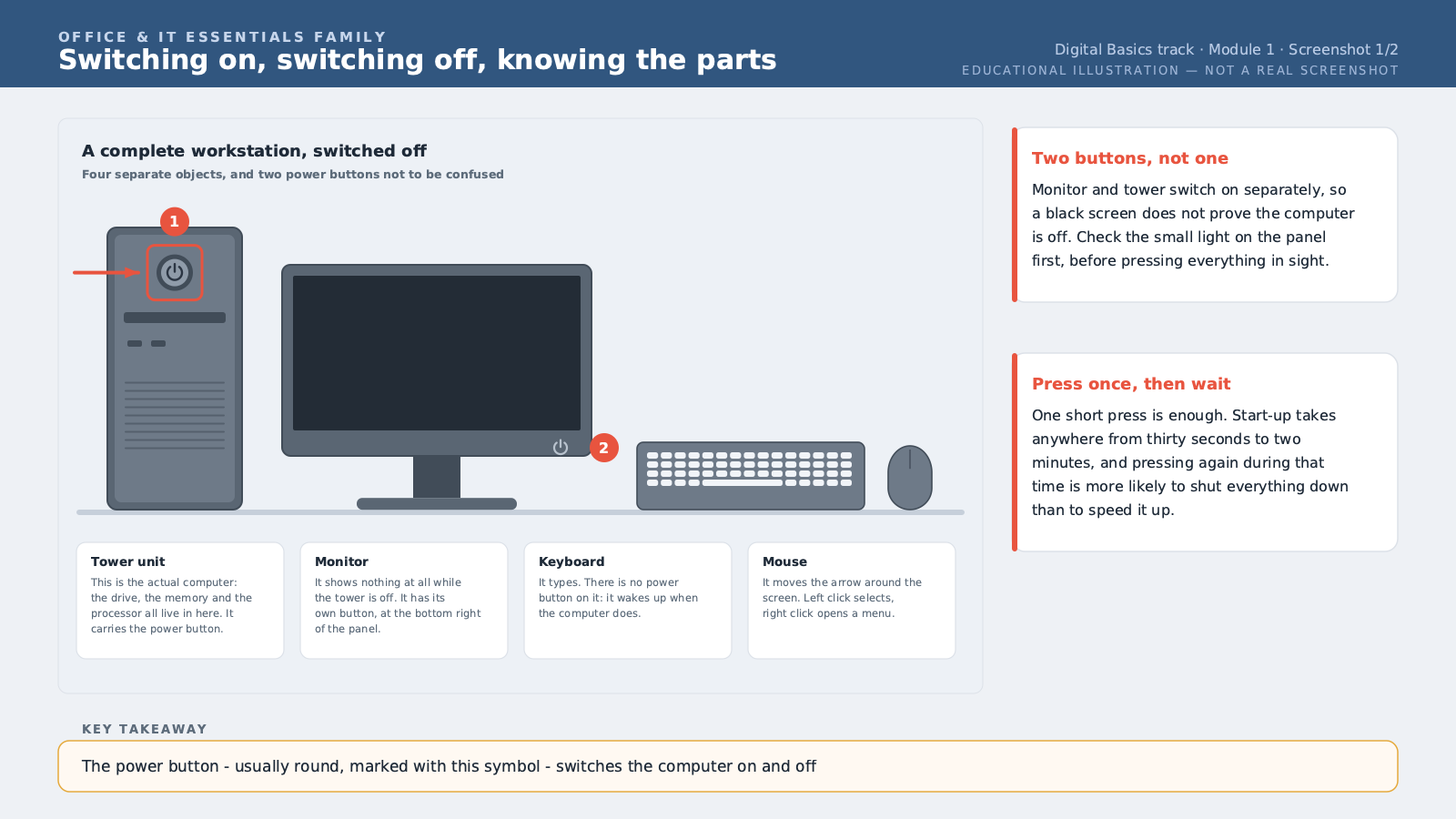
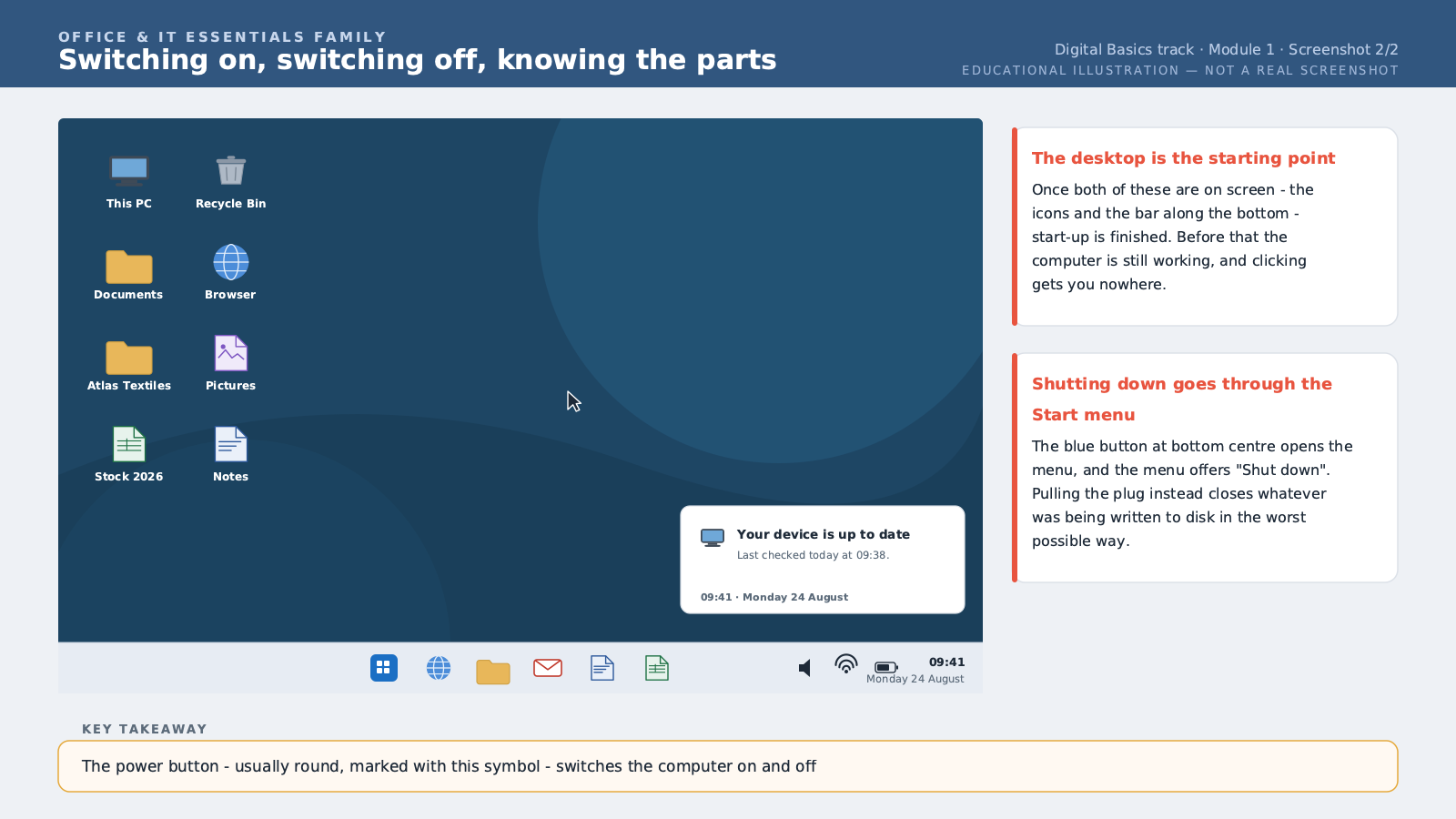
Before doing anything on a computer, you first need to understand what's in front of you. A typical desktop computer has four main parts: the screen, which displays what's happening; the keyboard, for typing; the mouse, for pointing and clicking; and the tower unit, the box holding the machine's "brain" — it does all the actual work, with the screen just being a window onto that work. To turn the computer on, look for the button marked with a circle and a vertical line, usually on the tower or on the side of a laptop. Press it once, without holding it down. The computer will take between thirty seconds and a few minutes to fully start up — that's normal, it's loading everything it needs to run. To turn it off properly, never unplug it directly or force-hold the power button, except when it's completely frozen. The right way is always through the system menu: on Windows, the "Start" button in the bottom left, then "Shut down." Turning it off abruptly can damage files that are currently in use. Take time in this lesson to physically locate each part on your own computer, or the one you're using for training. Touch the keyboard, move the mouse, look at where the tower unit is. This basic familiarity will make you more comfortable with everything that follows — you can't learn to navigate a tool you've never really looked at.
Free preview, no account needed — the rest of this module and the following modules unlock after enrolling.
Convinced? Enroll to unlock the full course.
See pricing