
Maintenance, Security, and Good Digital Practices
Module 1 · Module 1 — Maintaining Your Computer and Smartphone · Lesson 1 of 1
Cleaning, updates, and storage management
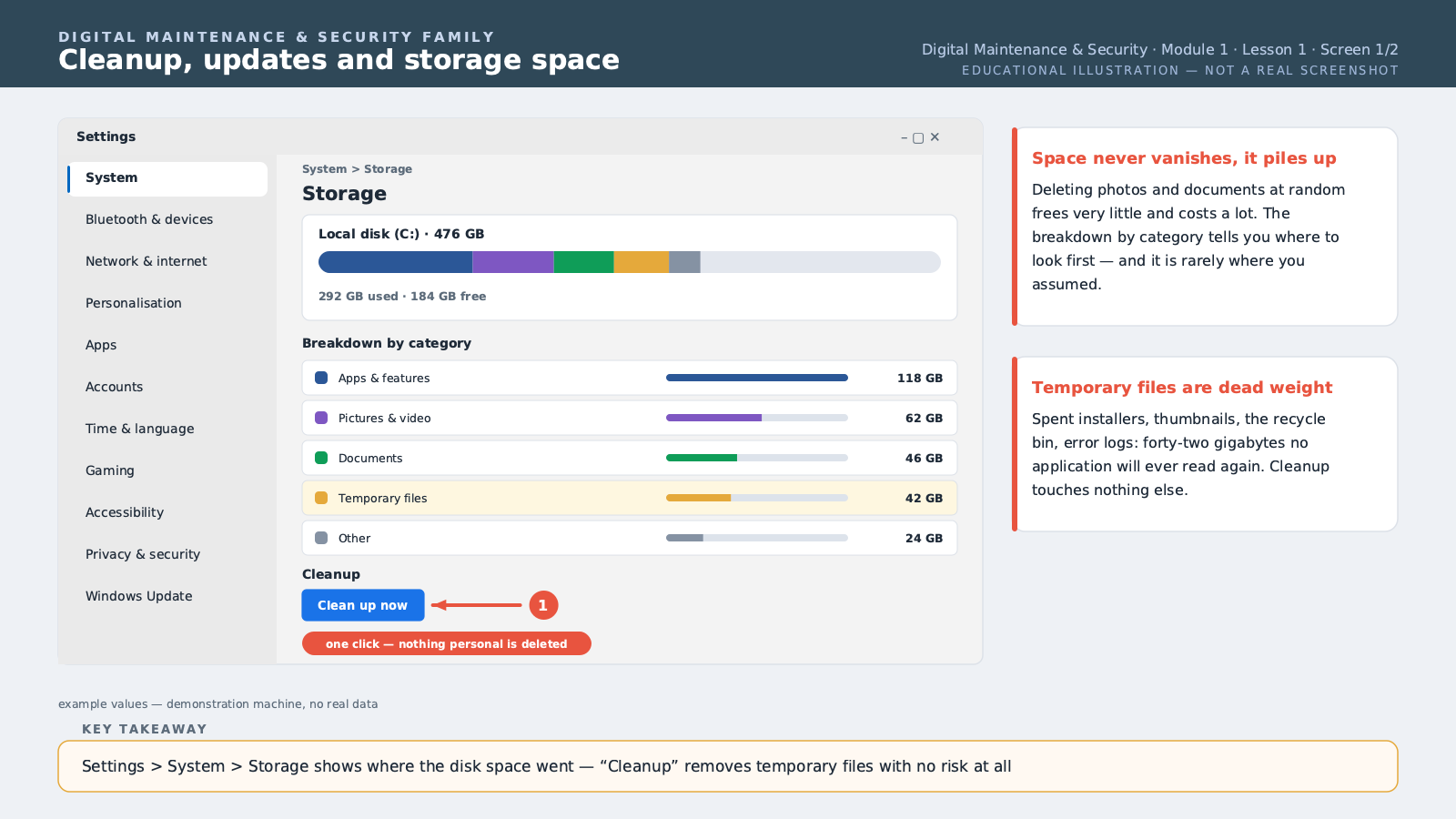
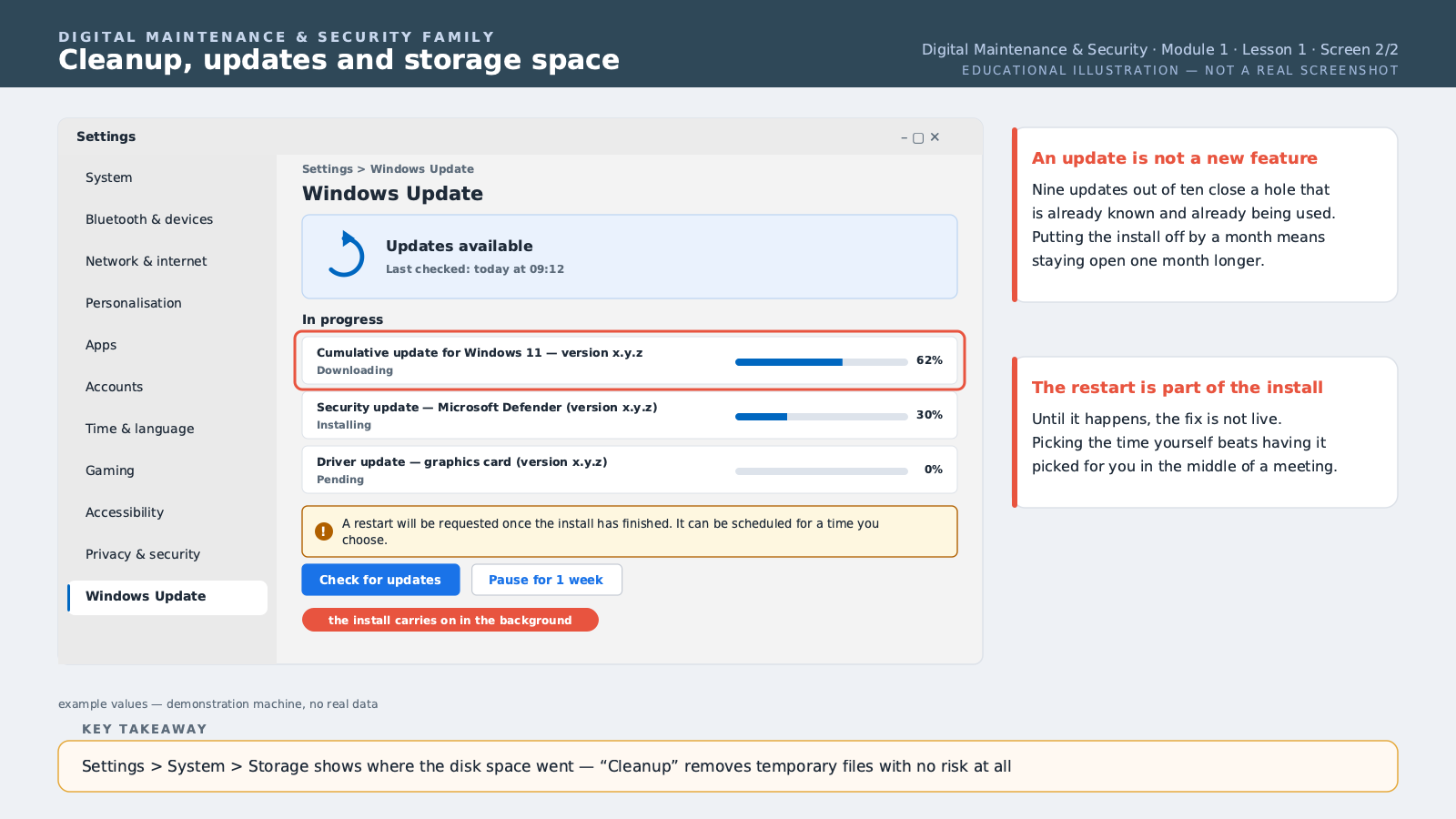
A computer or smartphone that's gradually slowing down isn't necessarily breaking down — in most cases, it's simply a lack of basic upkeep, easy to fix with a few regular habits. Software cleanup means regularly deleting temporary and unnecessary files that build up over time: browser cache files, forgotten downloads, apps installed and then never used. On Windows, the "Disk Cleanup" tool (accessible by typing its name in search) automatically identifies these recoverable files. On a smartphone, regularly check storage settings to spot apps you no longer use and uninstall them. Updates, often postponed for lack of time or fear of disrupting the device, are actually essential: they fix security flaws discovered after the software's release, on top of bringing performance improvements. A device that's never updated gradually becomes more vulnerable to hacking, even without it being immediately visible. Schedule important updates at night or while you're not using the device, rather than putting them off indefinitely. For storage management, beyond one-off cleanup, get into the periodic habit of sorting your photos and videos — often the biggest space users — deleting duplicates or failed shots, and moving to the cloud (covered in the previous module) what you want to keep without cluttering the device. For this lesson, run a system update on your computer or smartphone, then free up storage space by deleting unnecessary files or apps.
Free preview, no account needed — the rest of this module and the following modules unlock after enrolling.
Convinced? Enroll to unlock the full course.
See pricing